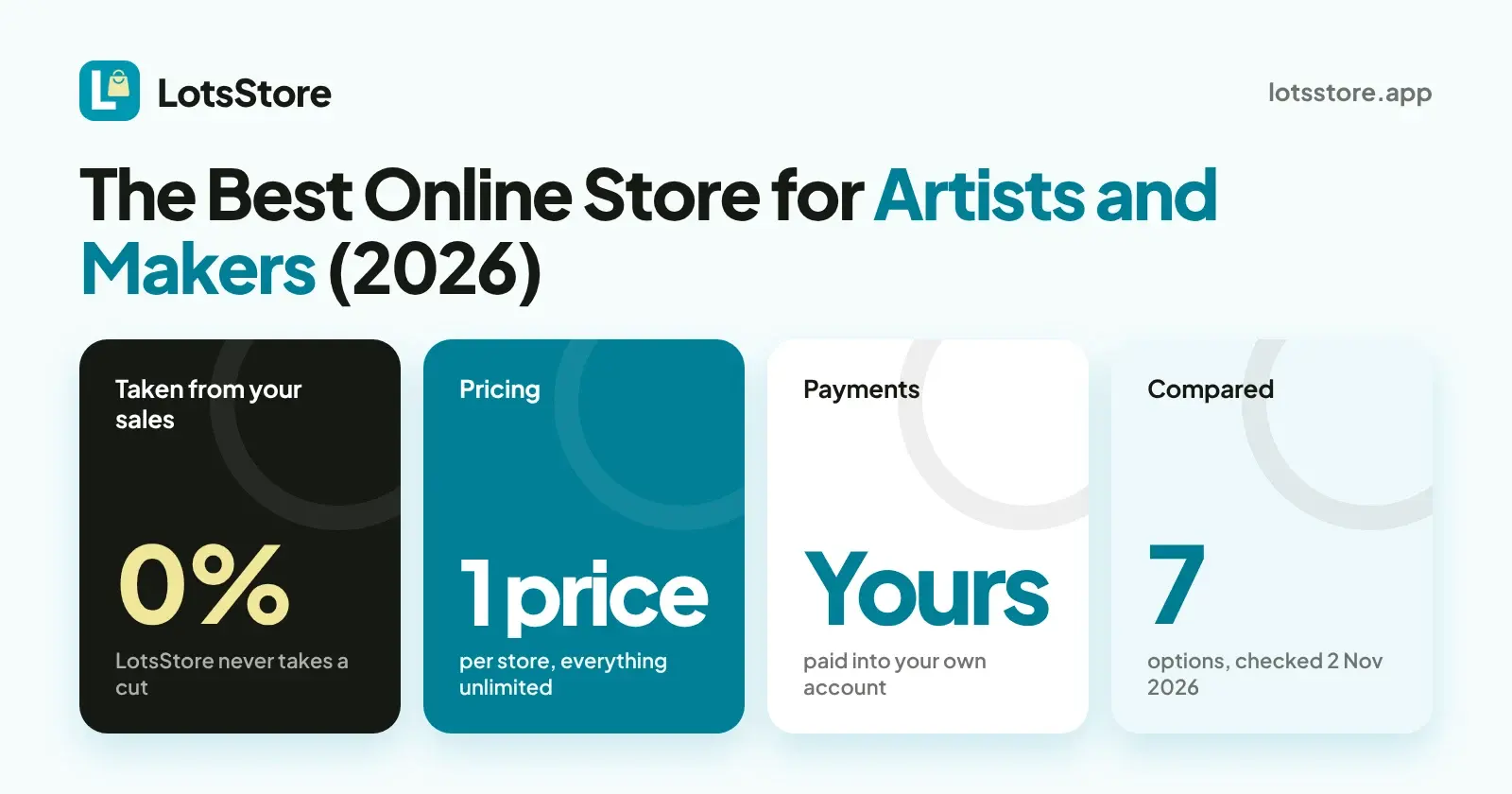
If you make physical work, like prints, ceramics, jewellery or small-batch goods, and you want to keep every sale, LotsStore is where I would start: it takes 0% of your sales, you pay one price per store, and customers pay straight into your own payment account. If you mainly want a marketplace that brings buyers to you, Etsy fits that job, and the table below shows what each option costs and takes.
I compared seven ways to sell art and handmade work online. For each one I opened the company's own pricing, fees or help pages and wrote down the monthly price, what is taken from each sale, how payments are processed, and whether it handles digital downloads.
Checked on 2 November 2026. Prices are in USD and come from each company's own pages. They change, so confirm on the vendor's page before you buy.
Where LotsStore wins for artists and makers
- 0% of your sales. LotsStore never takes a cut and never holds your money. Your payment provider charges its own processing fee, as it would on any platform.
- One price per store. Plans differ by the number of stores, not by what you can sell: products, orders, customers and team members are unlimited on every plan. There is no yearly sales cap to outgrow.
- Your own payment account. Shoppers pay straight into the account you connect, in your store's own currency. Stores can sell from 16 countries.
- A store that looks like your brand. Variants (sizes, colours, editions), stock per variant, discount codes, shipping zones and rates, shopper accounts and reviews you moderate are all included.
- Tax is built in. Set your own rates by country, state or ZIP code, choose tax-inclusive or tax-exclusive prices, use Stripe Tax if you want it, and give buyers numbered receipts and tax invoices.
Plans, read from the live catalogue on 2 November 2026:
| Plan | Price | Stores included |
|---|---|---|
| LotsStore Starter | $12/month or $120/year | 1 |
| LotsStore Pro | $29/month or $290/year | 3 |
| LotsStore Business | $79/month or $790/year | 10 |
Pay as you go is $15 per store a month, and extra stores on a plan are at your plan's rate. New accounts get free credits when they sign up, no card. Details are on the LotsStore pricing page.
The comparison table
| Option | Monthly price | Taken from each sale | Payment processing | Digital downloads | Fit |
|---|---|---|---|---|---|
| LotsStore | Starter $12 (1 store), Pro $29 (3 stores), Business $79 (10 stores) | 0% | Your own payment account; your provider charges its own fee | Built for physical products (variants, stock, shipping); no file delivery | Makers and small brands who want their own store and every sale |
| Shopify | Basic $39 monthly, $29 billed yearly | 2% extra on Basic if you use a third-party payment provider (1% on Grow, 0.6% on Advanced) | Shopify Payments from 2.9% + 30¢ online on Basic | Yes, with the free Digital Downloads app or other apps; files up to 5 GB each | Sellers who want a large app ecosystem |
| Etsy | No monthly price on the fees page; $0.20 listing fee per item, lasts four months | 6.5% transaction fee on the item price plus shipping; Offsite Ads fee of 12% or 15% on orders from those ads | 3% + $0.25 through Etsy Payments in the US; varies by bank country | Yes, a digital files listing type: up to 5 files per listing, 20 MB each | Sellers who want Etsy's marketplace shoppers |
| Big Cartel | Platinum $15, Diamond $30; a free Gold plan with limited features | "We never take a cut" | Accepts cards, PayPal, Afterpay and more; rates not on the pricing page | Yes, on Platinum and Diamond | Artists and bands with a small catalogue |
| Squarespace | Basic $25 monthly, $19 billed yearly; Core $39 monthly, $29 yearly | 2% on Basic, 0% on Core and above | Card rates from 2.9% + 30¢ with Squarespace Payments | Yes, digital products on all plans | Sellers who want a design-led website with a store |
| Square Online | Free $0, Plus $49, Premium $149 per location | No platform cut listed | Online 3.3% + 30¢ on Free, 2.9% + 30¢ on Plus and Premium | Yes, a Digital item type for a file you send to the customer yourself | Shops that also sell in person with Square |
| Sellfy | Starter $29 monthly, $22 yearly; Business $79 / $59; Premium $159 / $119 | 0% transaction fees | PayPal or Stripe fees on top, set by country | Yes, physical and digital; up to 50 files per product | Creators selling files, prints and merch together |
Checked on 2 November 2026: Shopify pricing and Shopify digital products guide, Etsy fees policy, Etsy sell page and Etsy help: manage your digital listings, Big Cartel pricing, Squarespace pricing, Square websites pricing and Square support: sell non-physical items, Sellfy pricing.
What a $100 sale costs in platform fees
Take a $100 print with no shipping and no tax. The platform's own cut, before any card processing:
- LotsStore: $0
- Big Cartel: no cut
- Sellfy: $0 within your plan's yearly sales limit (Starter up to $10,000, Business up to $50,000, Premium up to $200,000; Sellfy says it may charge a 2% overage fee above the limit)
- Squarespace Core and above: $0 (Basic: $2.00)
- Shopify Basic: $0 with Shopify Payments, $2.00 with a third-party provider
- Etsy: $6.50 transaction fee, plus $0.20 to list the item
Card processing is separate everywhere. On LotsStore it is whatever your own payment provider charges.
Who each option fits
LotsStore is for makers and shop owners who want a store that is theirs: your products, your brand, your payment account, and no percentage taken. It suits prints, ceramics, jewellery, apparel, candles, stationery and other physical goods you ship. If you sell by direct message today, a store with stock, shipping zones and checkout gets those orders out of your inbox. Start from the LotsStore pricing page, or read how to sell online from scratch.
Shopify fits sellers who want a big app ecosystem and room to grow into marketing and B2B tools. Its plan price is the main cost, plus card rates and the extra fee if you use another payment provider.
Etsy fits sellers who want shoppers who already browse a marketplace. The trade is that Etsy sets the fees and your listings sit among everyone else's. Etsy's own page says items must be made, designed, handpicked or sourced by you.
Big Cartel fits artists with a small catalogue who want a simple shop, with label printing and digital products on its paid plans. Compare it side by side in LotsStore vs Big Cartel.
Squarespace fits sellers who care most about a polished website and want a store on it. The Basic plan carries a 2% store fee.
Square Online fits shops that already take payments in person with Square and want the same catalogue online. See LotsStore vs Square Online.
Sellfy fits creators who sell downloads together with prints or merch. Its plans are priced by yearly sales volume.
Selling files? Read this first
LotsStore is built for physical products: variants, stock per variant, shipping zones and rates. If your income is mainly downloads, like presets, fonts, printables or ebooks, pick a tool from the table that delivers files, such as Sellfy, Big Cartel on Platinum, Squarespace or Shopify with a downloads app. If you sell prints and also a few files, you can run the physical shop on LotsStore and keep file sales on a download tool.
How to get started on LotsStore
- Create your store and pick a plan, or start pay as you go.
- Add products with variants, prices and stock, or import them from a CSV. See how to move your products with a CSV import.
- Connect your own payment account so shoppers pay you directly.
- Set shipping zones and rates.
- Add your tax registrations and rates, or switch on Stripe Tax.
- Publish on your own address or your own domain.
Once it is running, you can also manage your store from ChatGPT or Claude, for example to change stock or check which orders are waiting. The dashboard does the whole job too.
For agencies and designers who build stores for clients
If you build stores for makers and small brands, one LotsStore account holds many stores: Pro includes 3 and Business includes 10, with roles for owner, admin, manager, staff and viewer. Each client's store pays the client directly, with 0% taken from their sales. See multi-store platforms for agencies compared and LotsStore for agencies.
FAQ
What is the best online store for artists?
It depends on what you sell and where your buyers are. For physical work you want to sell from your own store and keep every sale, LotsStore takes 0% of sales and you pay one price per store. For marketplace shoppers, Etsy. For downloads, Sellfy or Big Cartel Platinum. The table above has the prices and fees, checked on 2 November 2026.
Does LotsStore take a cut of my sales?
No. LotsStore takes 0% of your sales and never holds your money. Shoppers pay into your own payment account, and your payment provider charges its own processing fee. Payment options include Stripe and, for businesses registered in India, Razorpay.
Can I sell digital downloads on LotsStore?
LotsStore is built for physical products with variants, stock and shipping. For file delivery, use one of the download tools in the table, such as Sellfy, Big Cartel on Platinum, Squarespace or Shopify with a downloads app.
Is Etsy or my own store better for selling art?
They do different jobs. Etsy gives you marketplace traffic and charges a $0.20 listing fee, a 6.5% transaction fee and payment processing on each sale (checked on 2 November 2026). Your own store keeps the customer relationship and, on LotsStore, 0% of each sale. You can run both.
Does LotsStore handle sales tax and VAT?
You set your own rates by country, state or ZIP code, choose tax-inclusive or tax-exclusive prices, and can use Stripe Tax if your store is on Stripe. Buyers get numbered receipts and tax invoices. You stay responsible for registering and filing.
How much does LotsStore cost?
Starter is $12 a month for one store, Pro is $29 a month for three stores, and Business is $79 a month for ten stores. Yearly prices are $120, $290 and $790. Products, orders, customers and team members are unlimited. Pay as you go is $15 per store a month.
Prices and fees for other companies were checked on 2 November 2026 on their own pages. LotsStore prices were read from the live catalogue the same day.