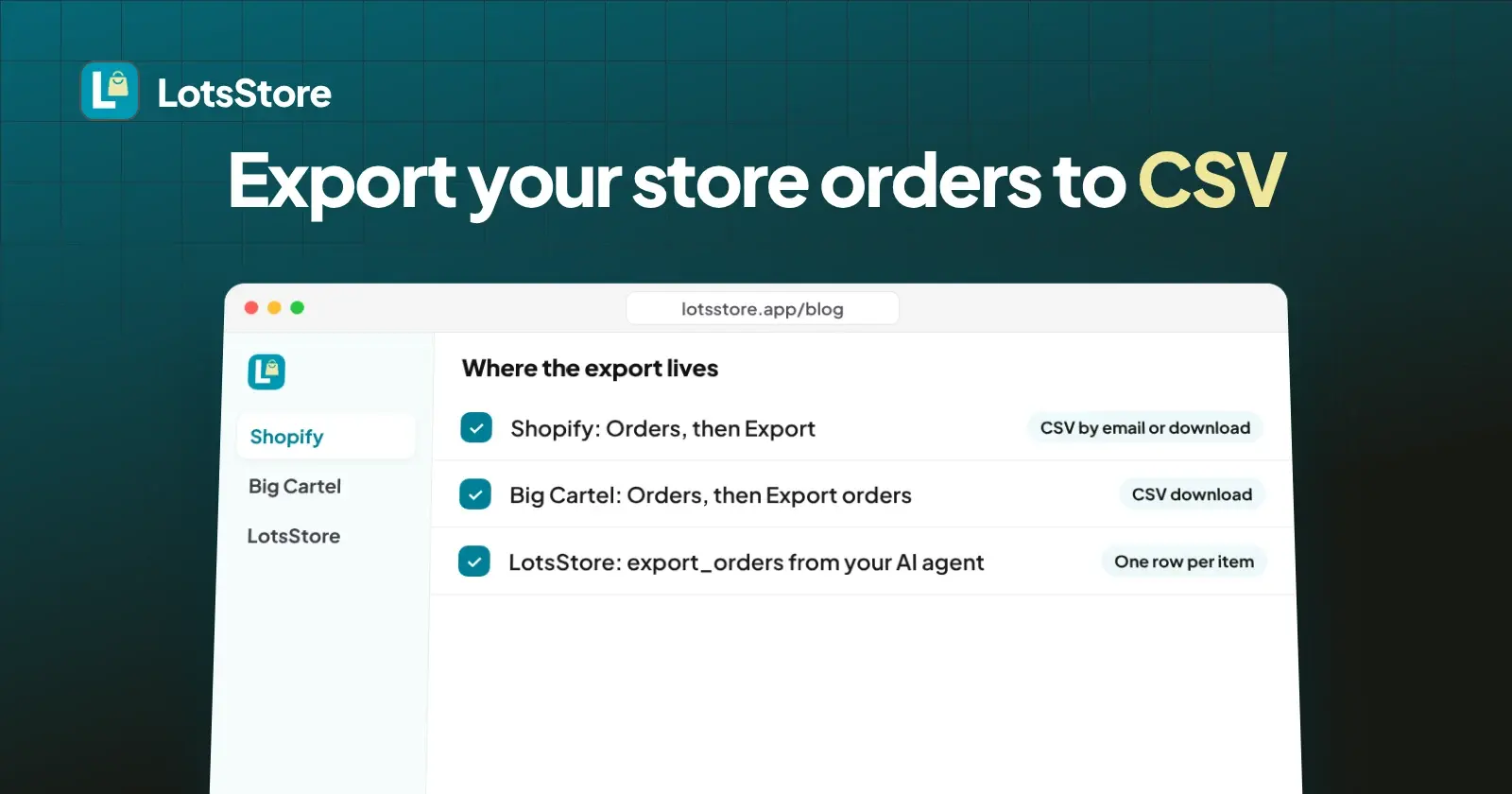
To export your store orders to CSV, open the orders list in your store admin and use its export button: Orders, then Export on Shopify, Orders, then Export orders on Big Cartel. On LotsStore you ask for an export of the orders in a date range and get one row per item. Below are the exact steps, what each file contains and the limits, all read from each platform's own pages today.
I run LotsStore, so I know the third option best. I opened Shopify's and Big Cartel's official help pages today and quote only what they say, and I ran the LotsStore export through its MCP today to see exactly what comes back.
Export orders from Shopify
Shopify exports a CSV from the Orders page. How the file reaches you depends on how many orders you pick.
- In your Shopify admin, open Orders and sort or filter the list the way you want it.
- Click Export.
- In the Export orders window, choose which orders to export. For a date range, choose Orders by date and set the start and end dates.
- Under Export as, pick a file format.
- Click Export orders for everything about the orders, or Export transaction histories for payment transactions only.
If you export up to 50 orders, or just the current page, the CSV downloads to your device. If you export more than that, or export by date, Shopify emails the file to you and to the store owner. Shopify's page says an export under 100,000 items might finish in under an hour and one with 400,000 items might take around 4 hours. If an export fails, you get an email saying so.
Orders with several line items spread over several rows, and Shopify leaves many fields blank on the extra rows.
Export orders from Big Cartel
Big Cartel keeps it simple: pick a tab, or tick the orders you want, and download.
- Log in at app.bigcartel.com.
- Go to Orders.
- Pick a view: Unshipped, Partially Shipped, Shipped or All Orders. Or tick specific orders with the checkboxes.
- Click Export orders to download the CSV.
All Orders exports everything at once. If you tick only the orders from last week's craft fair, the file holds only those. Big Cartel's bulk edit help page lists the same export under its bulk edit actions and marks bulk edit as a premium feature, so if you cannot see the option, check your plan.
Export orders from LotsStore
On LotsStore the export is built for accounting and platform moves: one row per item, with the order totals and refunds on the first row of each order only. Add up a column and you get your real revenue, with no double counting. CSV import and export is on every plan, and your products and orders are yours to export at any time.
- Ask your AI agent (ChatGPT, Claude or any MCP client connected to LotsStore) to export a store's orders. The tool is called
export_orders. - Give it the store and a date range: a first day and a last day (YYYY-MM-DD, UTC, last day included). With no dates you get the last 30 days.
- Optionally narrow it by order status or payment status, for example only
fulfilledorders or onlyrefundedones. - If the store has more than 250 orders in the range, the export comes back in pages of up to 250 orders and the agent keeps asking for the next page until none is left.
Only store owners and admins can export, and every export is written to the store's activity log.
What I saw when I ran it
On 3 November 2026 I ran export_orders through the LotsStore MCP on one of my own stores, for 1 October to 3 November, asking for canceled orders (they are left out unless you name them). Two orders came back, one row each, and the page reported no next cursor. The columns were:
order_number, order_date, status, acceptance_status, customer_name, customer_email, ship_name, ship_address_1, ship_address_2, ship_city, ship_province, ship_postal_code, ship_country, ship_phone, line_number, item_name, variant, sku, quantity, unit_price, line_total, subtotal, discount, shipping, tax, total, currency, payment_method, payment_status, fulfilment_status, tracking_number, refunded_amount, refund_status, medusa_order_id.
Three things to notice:
- Amounts are in major units. A line of 20 in an INR store means 20 rupees, not 20 paise, and the reply says so in a note. Do not divide by 100.
- Refunds have their own columns.
refunded_amountandrefund_statusfilled in on both orders, one refunded in full and one in part, next topayment_statusandpayment_method. - Tax is a column.
taxsits besidesubtotal,discount,shippingandtotal, so you can send each piece to its own line in your accounting tool.
The file holds customer names, emails and shipping addresses, so keep it somewhere you control and share only the columns your accountant needs.
What each export contains
| Shopify | Big Cartel | LotsStore | |
|---|---|---|---|
| Where | Orders, then Export | Orders, then Export orders | export_orders from your agent |
| Choose by | Current page, selected orders, or date range | Tab (Unshipped, Partially Shipped, Shipped, All Orders) or ticked orders | Date range, order status, payment status |
| Delivery | Download for up to 50 orders or the current page, email for more or by date | Download | Rows returned page by page |
| Rows | One row per line item, extra items on separate lines | Columns not listed on the help page | One row per item; totals and refunds on the first row of each order |
| Order columns | Name, Email, Phone, Financial Status, Paid at, Fulfillment Status, Currency, Subtotal, Shipping, Taxes, Total, Discount Code, Discount Amount, Shipping Method, Created at, Refunded Amount, Payment Method, Payment References, Tags, Source and more | Not listed | Order number and date, status, customer, shipping address and phone, item, variant, SKU, quantity, unit price, line total, subtotal, discount, shipping, tax, total, currency, payment method and status, fulfilment, tracking, refunded amount and refund status |
| Payments file | Separate transaction history CSV (Kind, Gateway, Status, Amount, Card Type) | Not listed | Payment method and status columns in the order export, and a filter on payment status |
| Limits | Large exports take time (under an hour for fewer than 100,000 items) | Not listed | 366 days and 50,000 orders per export, 250 orders per page |
| Money format | Not listed on the page | Not listed | Major units (599 means 599.00) |
Checked on 3 November 2026. Sources: https://help.shopify.com/en/manual/fulfillment/managing-orders/exporting-orders, https://www.bigcartel.com/resources/help/article/download-order-data, https://www.bigcartel.com/resources/help/article/bulk-edit-orders, https://lotsstore.app/mcp.
Tips that save you an evening
Matching columns to an accounting import. Keep revenue, shipping, tax and refunds on separate lines in your accounting tool instead of importing one total. On Shopify, the Subtotal, Shipping, Taxes, Discount Amount and Refunded Amount columns hold those pieces. On LotsStore the subtotal, discount, shipping, tax, total and refunded_amount columns hold them, on the first row of each order, so import only those rows for totals.
Matching payments to your payment provider. Shopify's Payment References column holds the payment IDs it sent to your provider, including failed payments, refunds and captures, so you can match an order to a payout line. The separate transaction history export covers captured payments only, not authorizations.
Do not sum totals on the extra rows. In a Shopify export, orders with several items continue on extra lines with many fields left blank. In a LotsStore export the totals and refunds sit on the first row of each order only, so a plain column sum is right. Either way, filter or pivot by order number before you total anything.
Dates and time zones. LotsStore export dates are UTC days. If you close your books in another time zone, export one day on each side of the period and trim in your spreadsheet. Shopify's transaction history shows each date with the time zone difference from UTC.
Cancelled orders. LotsStore leaves expired, rejected and canceled orders out unless you name those statuses, so name them when you need a full audit trail.
Use UTF-8. Shopify says UTF-8 CSV is the only file format it accepts for import and export. If a file looks garbled in your spreadsheet, import it as UTF-8 instead of double-clicking it.
Checked on 3 November 2026.
Moving platforms? Export is the easy half
An orders export is your record of past sales. To rebuild the catalogue in a new store, see how to move your products to LotsStore with a CSV import. If you are choosing where to go next, I compared the best online store for artists and makers and put LotsStore next to Big Cartel. Starting from nothing, read how to sell online from scratch.
LotsStore takes 0% of your sales, with payments going to your own payment account, and unlimited orders and customers. One price per store: Starter $12 a month ($120 a year), Pro $29 ($290 a year), Business $79 ($790 a year), or pay as you go at $15 per store a month. Checked on 3 November 2026 at https://lotsstore.app/pricing. New accounts get free credits when they sign up, no card.
If you run an agency
Export is per store. Ask for each client's store by name and date range, and keep one file per client per month. The export is limited to a store's owners and admins and is logged in that store's activity log, so you can show a client when a file was pulled.
FAQ
How do I export orders from Shopify to CSV?
Open Orders in your Shopify admin, click Export, choose the orders (or Orders by date and a start and end date), pick a file format and click Export orders. Up to 50 orders or the current page download straight away; larger or date-based exports are emailed to you and the store owner.
How do I export orders from Big Cartel?
Log in at app.bigcartel.com, go to Orders, choose Unshipped, Partially Shipped, Shipped or All Orders (or tick specific orders), then click Export orders to download the CSV.
How many orders can I export from LotsStore at once?
One export covers up to 366 days and 50,000 orders. The default range is the last 30 days, and results come in pages of up to 250 orders.
Why do orders appear on several rows?
Exports list one row per item. LotsStore puts order totals and refunds on the first row of each order only, so adding up a column gives your real revenue. Shopify shows extra line items on separate lines and leaves many fields blank on them.
Can I export refunds and tax?
Yes on Shopify and LotsStore. Shopify's order export has Taxes and Refunded Amount columns. LotsStore's export has tax, refunded_amount and refund_status columns, with order totals and refunds on the first row of each order. Big Cartel's help page does not list its columns, so open a sample export to check what it holds.